


AI Logo Maker & Logo Creator
4.62.37K Reviews
App Specs
- Version
- 5.5.0
- Updated On
- License
- Free
- Downloads
- 10,000,000+
- Developer
- Maxlabs Graphic Design Tools
- Categories
- Photography
- Platform
- Android, iOS
Screenshots
 Analysis by AppCompare
Ever needed a logo in a jiffy but didn’t want to shell out big bucks for a designer? That’s where Logo Maker & Logo Creator swoops in like a superhero. This app is like having a mini design studio in your pocket, perfect for budding entrepreneurs, freelancers, or anyone looking to spruce up their brand image without breaking the bank.
I’d treat it as a quick-start tool rather than a replacement for a complete identity project. Its appeal is practical: you can explore visual directions on a phone, make a simple mark for a small venture, and decide whether an idea is worth developing further. That distinction matters. A logo that looks appealing on a screen can still need careful refinement before it works on packaging, signage, or a range of brand materials.
Getting Started with Logo Maker & Logo Creator
First things first, let’s talk about the installation process. Downloading Logo Maker & Logo Creator is a breeze. Head over to the Play Store or App Store, and you’re just a tap away from unleashing your inner designer. Once you fire up the app, you’re greeted with a sleek, user-friendly interface that’s as intuitive as it gets. Seriously, even if your tech skills are as rusty as mine, you’ll have no trouble navigating through the options.
It’s a photography app from Maxlabs Graphic Design Tools, and its focus is making logo creation approachable on a mobile device. The app is free to download, with optional in-app purchases ranging from $0.99 to $39.99 per item. That gives you a way to start without paying upfront, but I wouldn’t assume every template or tool you might want is included at no cost. If you’re testing it for a one-off project, check what is available to you before building a design around any paid item.
The app is rated for Everyone, and it has reached over 10 million installs, with a 4.5 average from around 158,000 ratings. It was released on February 13, 2019, and version 5.2.2 requires Android 7.0 or later. Those details make it an established option for Android users with a compatible device; they don’t, by themselves, tell me whether its design workflow will suit your particular project.
Designing Your Logo
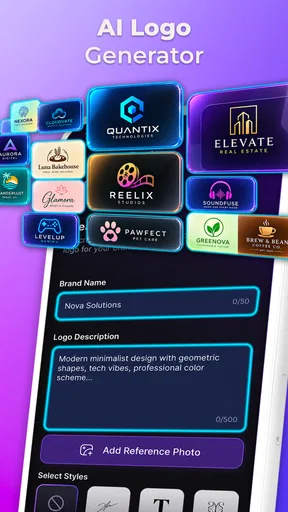
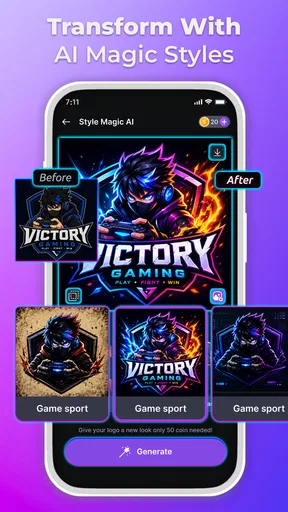
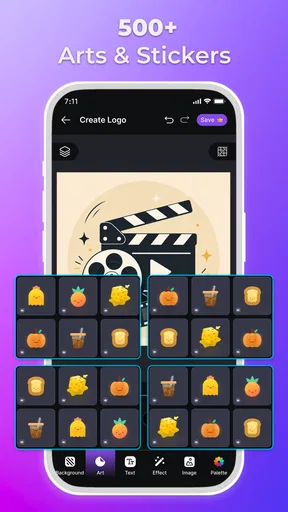
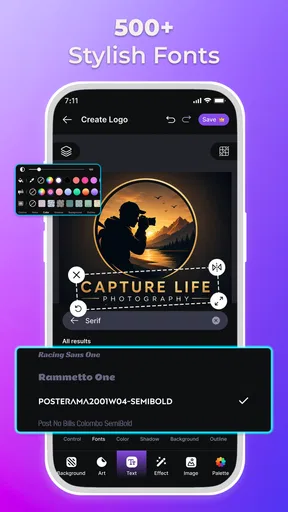
Now, onto the fun part – designing! The app offers a vast array of templates to get you started. Whether you’re aiming for something chic and modern or quirky and fun, there’s a template to match every vibe. I was particularly impressed by the variety of fonts and icons available. You can mix and match to your heart’s content, creating a logo that’s uniquely yours.
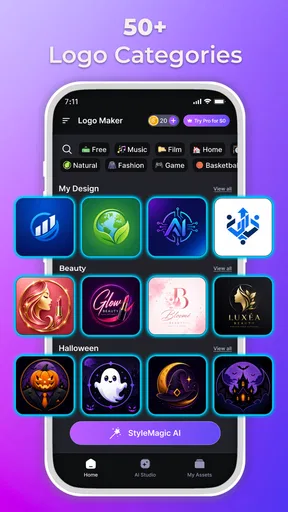
The store summary points to more than 3,000 logo templates, alongside photos, filters, emojis, effects, and logo themes. That range is useful when you’re not sure what direction to take: instead of staring at a blank page, you can compare a few starting points and notice which shapes or moods fit your project. The trade-off is that a template is a starting composition, not a guarantee of originality. I’d change enough of its visual ingredients to avoid ending up with a mark that feels like a familiar stock design.
Worth Reading Before You Choose

EA SPORTS FC Mobile 26 Is a Bigger Football Game, but It Takes Time

Flipboard Shows What News Apps Must Do Beyond the Feed

Switching to Android Auto Means Rethinking Your Driving Routine

Google Calendar Makes a Crowded Week Easier to Manage

Ludo King Makes the Most of the Minutes Between Plans

Baby Panda World Brings Quick Play to Modern Phones, but Its Game Library Feels Busy
One practical way to work is to write down the one thing a customer should recognize first, then choose a template that supports it. For a home bakery, that might be the name rather than a decorative cupcake; for a neighborhood repair service, legibility may matter more than an elaborate symbol. I’d also test the design at a small size while working. Fine details that seem charming when enlarged can disappear on a profile image or a compact label.
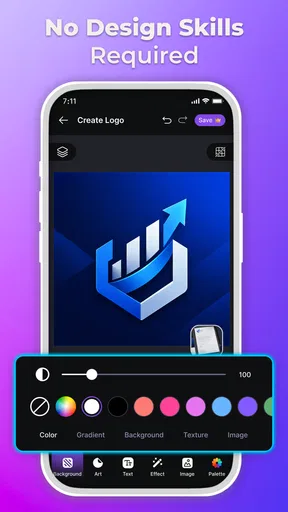
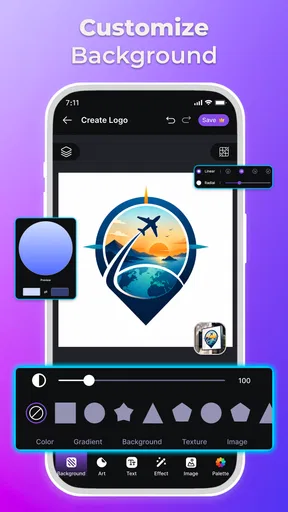
One thing that stood out to me was the customization options. You’re not just stuck with pre-set choices; the app allows for tweaking colors, shapes, and sizes. Want to add a personal touch? You can upload your own images and integrate them seamlessly into your design. It’s like having a mini Adobe Illustrator at your fingertips!
That flexibility is most valuable when you already have a rough idea and need to make it coherent, rather than when you expect the app to invent a complete brand strategy for you. If you upload an image, I’d first check whether it stays clear when reduced and whether it competes with the business name. A useful test is to create a restrained version with fewer elements, then compare it with the more decorated design. The simpler option often holds up better across different uses.
Features Worth Highlighting
So, what makes Logo Maker & Logo Creator a cut above the rest? Let’s dive into some standout features:
- Ease of Use: The drag-and-drop functionality is smooth and hassle-free. No design degree needed!
- Customization Galore: From colors to fonts, you have complete control over every element of your logo.
- Template Variety: Hundreds of templates for different industries. Need a logo for a bakery or a tech startup? Covered!
- High-Resolution Exports: Export your designs in high resolution, ready for both digital and print use.
For a realistic everyday use, imagine you’re setting up a weekend craft stall and need a consistent image for a social profile and a simple sign. I’d use a template to get a first draft, adjust the lettering and palette, then step away and look at it again before settling on a version. That quick iteration is where a mobile maker earns its place: it helps turn an idea into something visible without making the first step feel like a major design project.
For a small team, another useful workflow is to make a few distinct drafts rather than endlessly polishing the first one. Keep the name prominent, vary one choice at a time—such as the color or icon—and compare the results side by side. That makes feedback more useful because people can say what reads clearly instead of reacting vaguely to a single design. I wouldn’t treat the number of templates as a reason to add more decoration; restraint is often what makes a logo memorable.
Compared with drawing a logo from scratch in a general-purpose graphics editor, a template-focused app can get a beginner to a presentable first concept faster. The reverse is true when you need precise control, a carefully constructed custom symbol, or a coordinated identity with rules for typography and color. In those cases, a dedicated design program or a professional designer is a better fit. Logo Maker sits in the convenient middle: more directed than starting with an empty canvas, but not a substitute for specialist work.
Sharing and Saving Your Creations
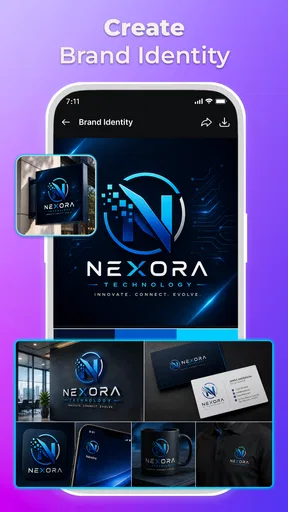
Once your masterpiece is complete, saving and sharing is straightforward. The app supports various file formats, so you can easily incorporate your logo into your website or marketing materials. Plus, sharing your creation directly from the app to social media or via email is just a tap away. Perfect for showcasing your brand to the world with minimal fuss.
Before you share a finished mark, I’d check it in the places where you plan to use it: a small avatar, a plain background, and a document or image where it sits beside other content. This catches practical issues that are easy to miss while editing, such as lettering that becomes hard to read or colors that blend into a background. If the logo is for a business, keep a clean copy of the version you prefer and avoid making last-minute changes separately for every channel.
One question worth asking before relying on any logo app is whether the finished artwork will meet the technical needs of your next use. This app’s store summary emphasizes templates and creative elements, while the details available here don’t establish a particular export specification. For a casual social graphic, that may not matter. For large-format printing or a brand asset that must be supplied in a specific format, check the export options inside the app before committing to the design.
Who Gets the Most from It
I’d recommend trying it if you’re a solo seller, freelancer, hobby creator, or early-stage business owner who needs a quick visual starting point and is comfortable refining a template. It can also help someone who wants to explore several possible styles before deciding whether to invest in a more involved design process. The free download makes that first exploration accessible, while purchases are something to weigh only if a particular paid item is genuinely useful to your project.
I’d skip it if your logo must be wholly custom, if you need a tightly managed brand system, or if the work has legal or production requirements that call for specialist review. It is also not the right answer if you simply want a polished result without making design choices: templates still require judgment, and a crowded composition will not become stronger just because it has more effects, emojis, or decorative elements. For a serious launch, I’d use the app for sketches and then get expert feedback before treating the mark as final.
Final Thoughts
Overall, Logo Maker & Logo Creator is a gem for anyone looking to craft a logo without the hefty price tag. It’s flexible, user-friendly, and packed with features that cater to both novice and seasoned designers. Whether you’re launching a new business or revamping an existing brand, this app is a fantastic tool to have in your arsenal.
So, if you’re ready to take your branding game to the next level, give Logo Maker & Logo Creator a whirl. It might just be the secret weapon you’ve been searching for.
Pros
- User-friendly interface
- easy for beginners.
- Wide range of templates available.
- Customizable fonts and colors.
- Supports high-resolution exports.
- Quick design preview feature.
Cons
- Limited free assets; premium required.
- Occasional in-app ads disrupt flow.
- No offline mode for designing.
- Watermark on free version exports.
- Limited collaboration tools.
FAQs for AI Logo Maker & Logo Creator
What features does Logo Maker & Logo Creator offer?
Logo Maker & Logo Creator is equipped with a wide array of features, including customizable templates, a vast library of icons and fonts, and advanced editing tools. Users can easily adjust colors, shapes, and layouts to create unique and professional logos without the need for graphic design experience.
Is Logo Maker & Logo Creator user-friendly for beginners?
Yes, Logo Maker & Logo Creator is designed with beginners in mind. The intuitive interface and step-by-step guides make it easy for users to navigate the app and create stunning logos. Even without prior design knowledge, users can produce professional-quality logos with ease.
Can I use my created logos for commercial purposes?
Absolutely, logos created with Logo Maker & Logo Creator can be used for both personal and commercial purposes. The app grants users the rights to use their designs across various media, including websites, business cards, and merchandise, ensuring flexibility for any project.
Does the app support high-resolution logo exports?
Yes, Logo Maker & Logo Creator supports high-resolution exports, allowing users to download their logos in various formats such as PNG, JPG, and PDF. This feature ensures that logos maintain their quality across different platforms and print materials, suitable for professional use.
Are there any in-app purchases or subscription fees?
Logo Maker & Logo Creator offers both free and premium versions. While the free version includes basic features and templates, the premium subscription unlocks additional resources, such as exclusive fonts and icons. Users can choose the option that best fits their needs and budget.


